Insta360 X6 Review: Is It Worth the Upgrade?
Aug 15, 2026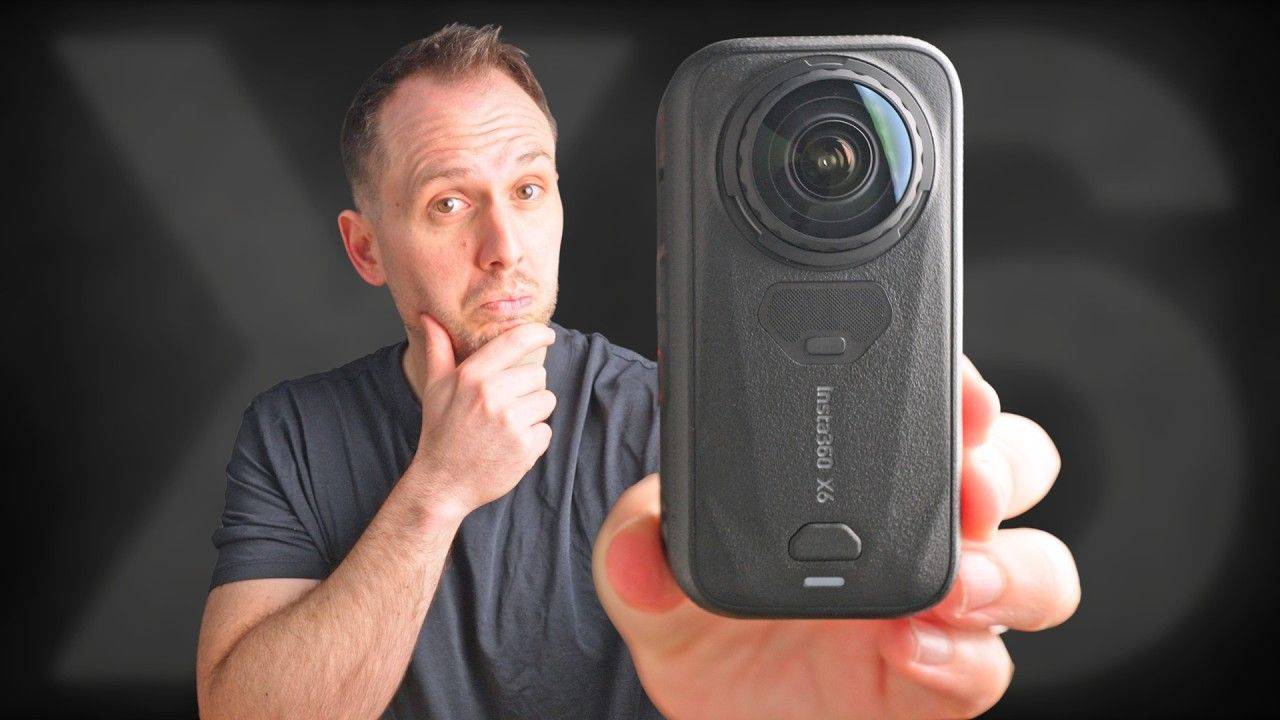
Finally, Insta360 has released a new 360 camera with a 1-inch sensor.
It’s been four years since the last one, and on paper, the Insta360 X6 looks like a serious upgrade. It has bigger sensors, 8K 50fps video, 10-bit colour, improved low-light performance, longer battery life and a completely redesigned camera body.
But after years of yearly upgrades and spec bumps, the real question is: does the X6 actually give you better-looking videos, or is it more of the same in a new camera body?
I’ve been testing the X6 for nearly a month while travelling across Canada, and while there’s a lot I like about it, there are also a few things you should know before spending $699 on one.
Price
Let's start with the price, because the X6 costs $699, considerably more than the X5's $549 launch price.
The main reason is the larger 1-inch sensors, which inevitably come at a cost. For comparison, the 1 RS 1-inch launched for $799 in 2022 and was still popular, particularly with prosumers shooting virtual tours or professional content.
That's essentially how I see the X6: a more professional version of the X5.
But there's no getting around the fact that $699 is going to be off-putting for some people.
Design
The most obvious change is the shape. The X6 is shorter and wider than the X5 and X4, with noticeably larger lenses on either side.
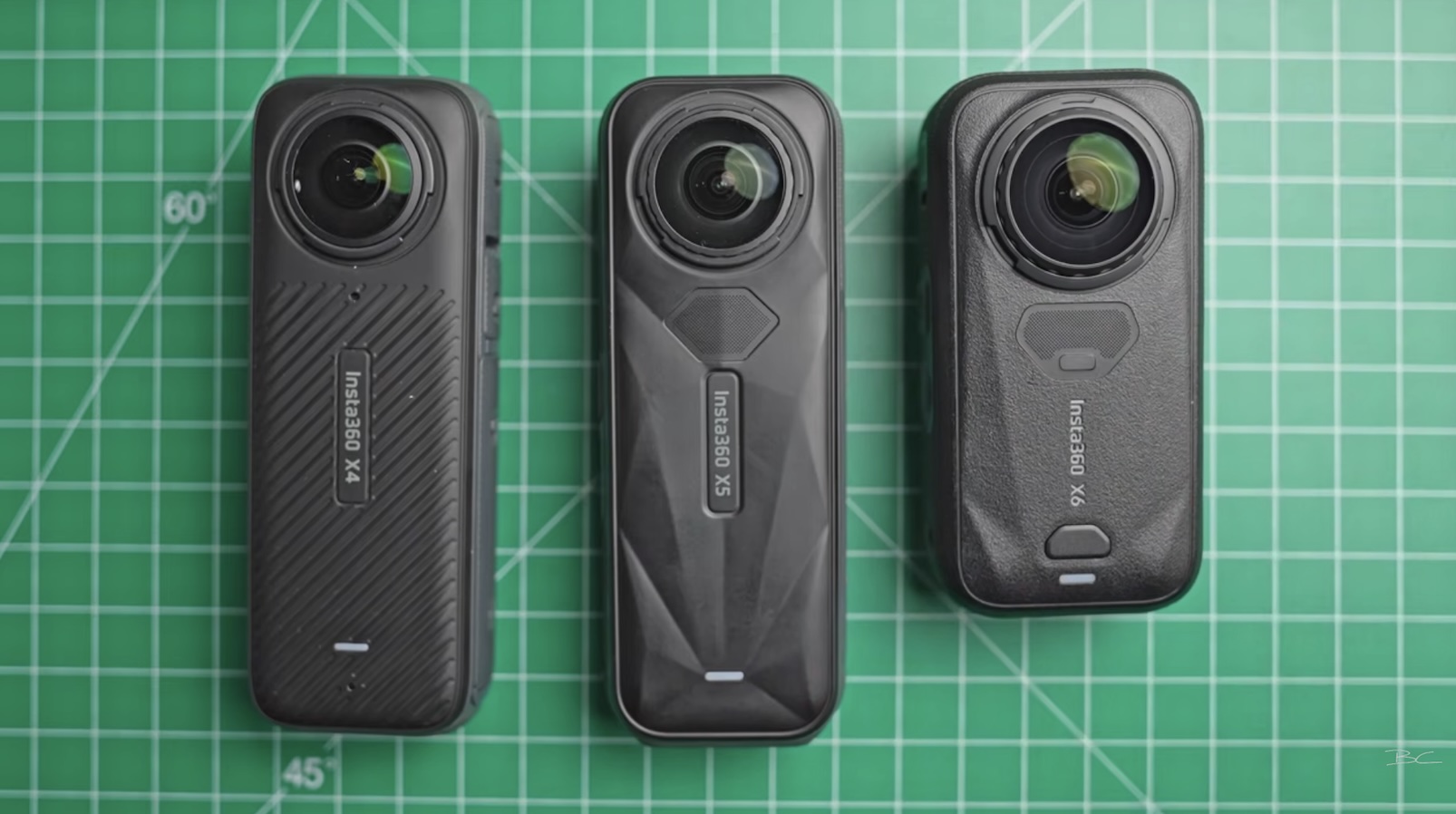
I suspect this smaller profile is partly aimed at people shooting action content, as the camera doesn't stick out quite as much when mounted.
The X6 also retains replaceable lenses, which have quickly become a must-have feature for 360 cameras. Replacing one takes seconds, and the replacement lens kit costs $27 for one or $33 for two.
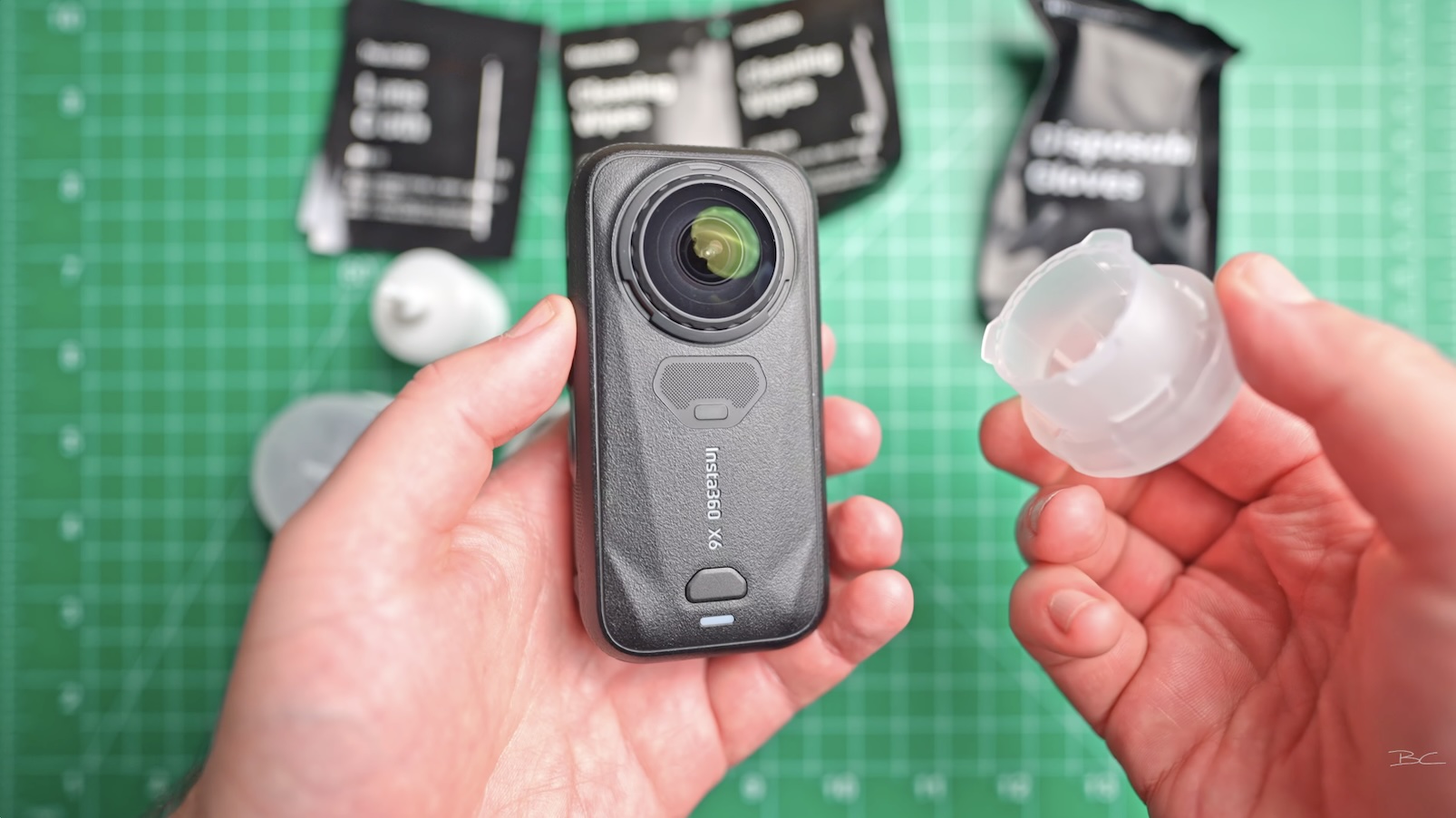
One design choice I'm less impressed by is the microSD card slot. It's hidden inside the battery compartment and requires a fingernail to eject, making it surprisingly fidgety if you regularly change cards.
Battery life and charging
The X6 has a 2600 mAh battery, and despite only being a relatively small increase on paper, I found the real-world battery life significantly better.
In my first test, I recorded at 8K50 with a high bitrate in direct sunlight. The camera lasted just under 90 minutes and shut down because the battery ran out – not because it overheated.
At 8K30 with a standard bitrate, it lasted around 2 hours and 50 minutes, again in direct sunlight without overheating.
Obviously, results will vary depending on your settings and shooting conditions, but based on my testing, the battery is a genuine upgrade.
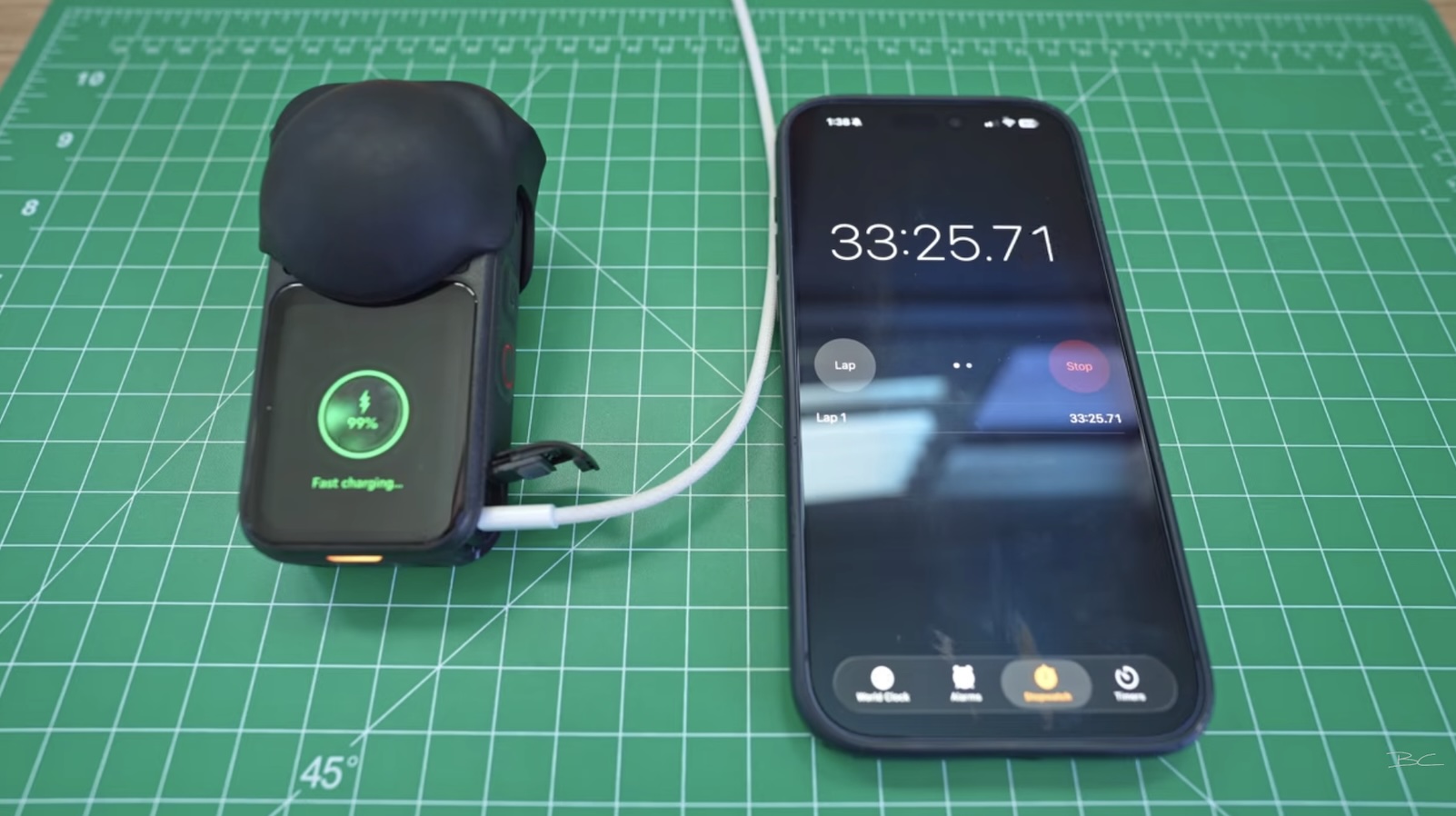
Charging is also extremely fast. With a fast charger, I reached 74% in 20 minutes and 100% in just over 33 minutes.
New screen and inbuilt storage
The X6 no longer has physical buttons underneath the display. Instead, the screen itself is pressable and uses haptic feedback.
It feels slightly strange at first because you need to physically press down on the screen to change modes or start recording. However, removing the buttons gives Insta360 more space for the display despite the X6's shorter body.
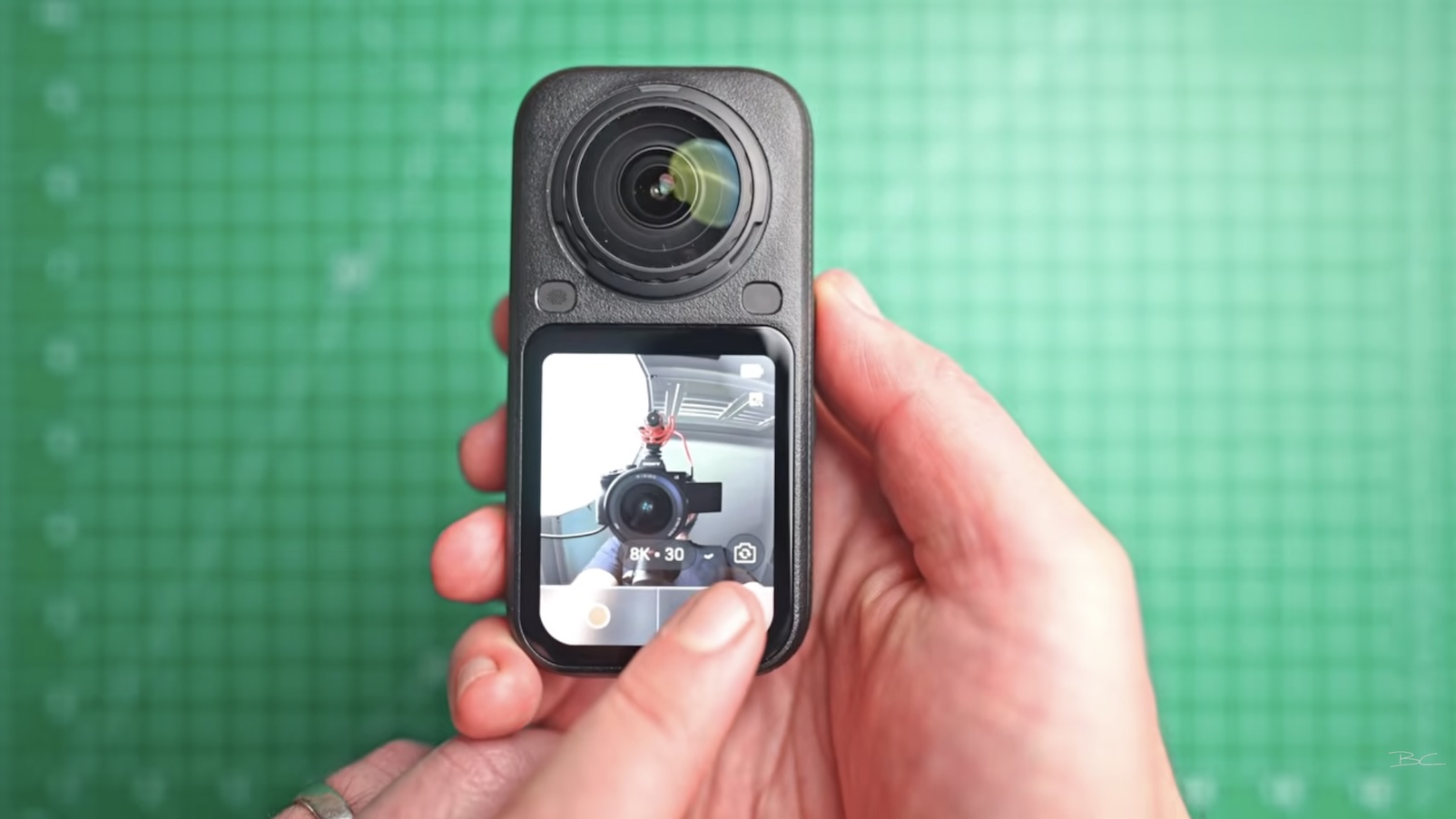
The X5 still has a bigger screen overall, but the X6's is wider, bright and easy to use.
One of my favourite additions is 47 GB of inbuilt storage alongside the microSD card slot.
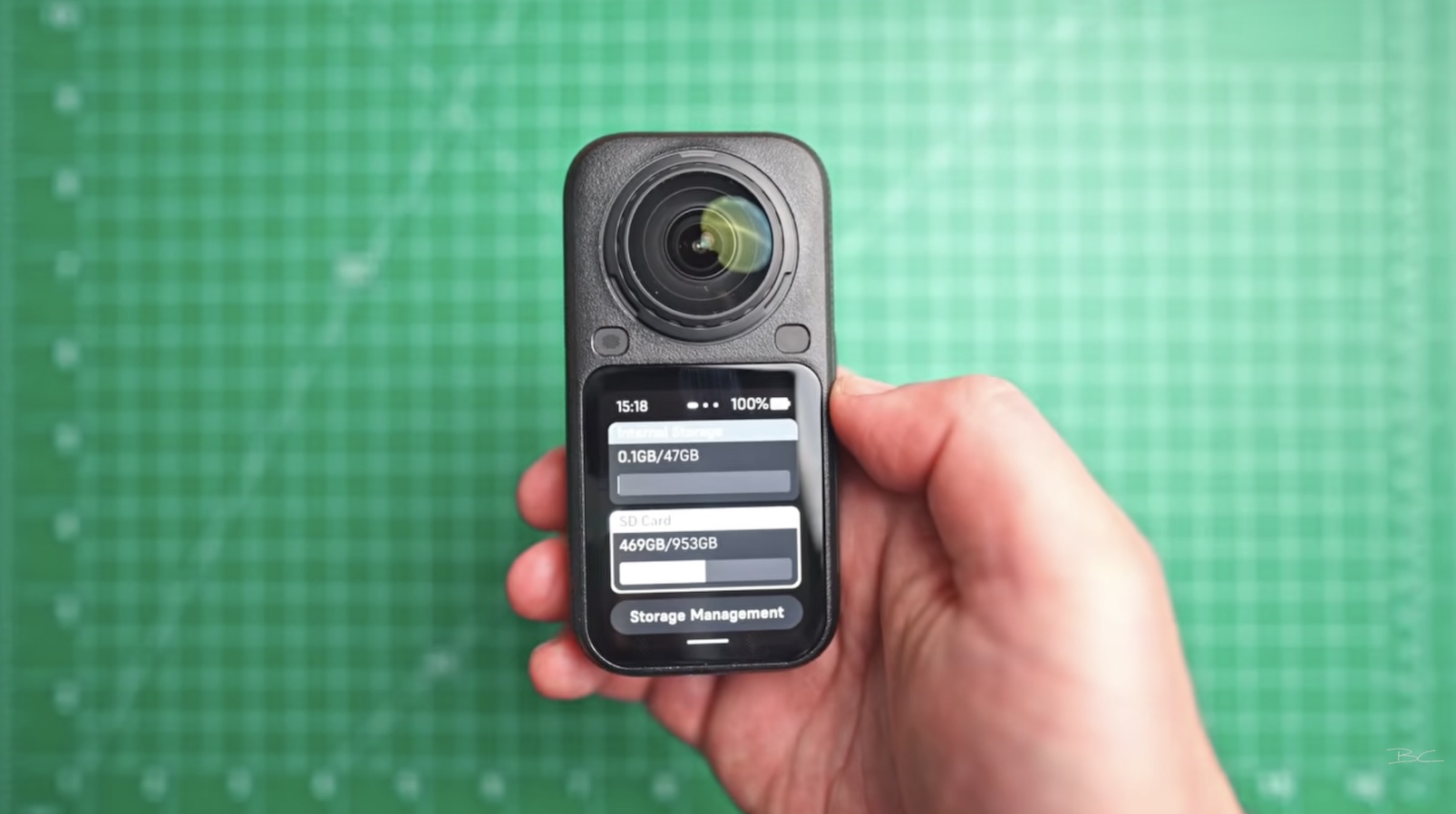
We've wanted this for years, and it's incredibly useful for those times when you go out filming and realise you've forgotten your SD card.
Specs and image quality
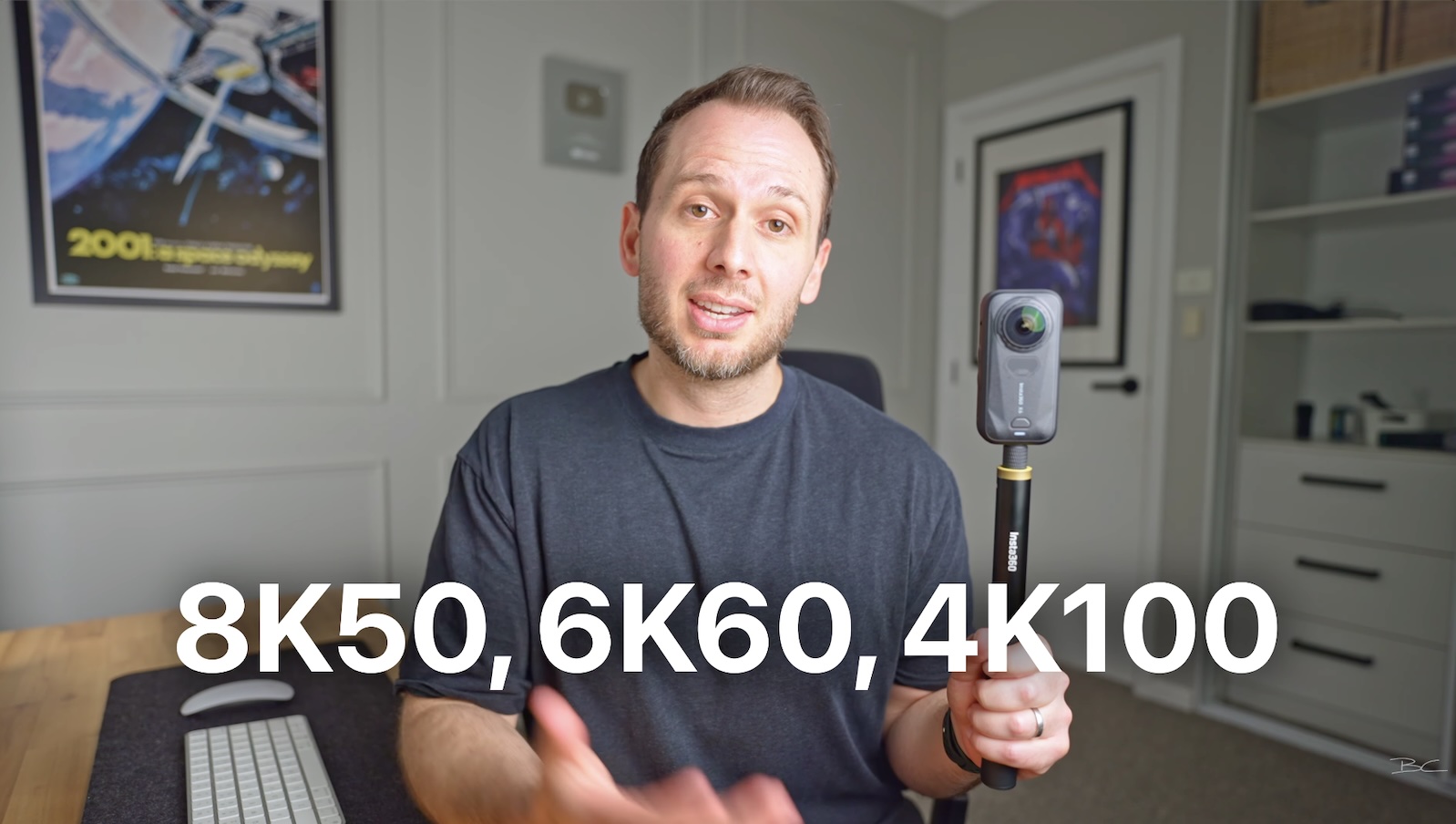
The X6 shoots up to:
-
8K 50fps
-
6K 60fps
-
4K 100fps in 360 mode
-
120-megapixel 360 photos
-
5K60 and 4K120 in single lens mode
Inside are dual custom Sony 1/1.1-inch sensors, a triple AI chip system and, for the first time on an Insta360 camera, 10-bit colour.
Specs are one thing, though. What matters is the resulting image quality.
And this is where I think the X6 starts to feel like a real upgrade.
360 footage
While the maximum resolution remains 8K, the larger sensor helps improve low-light detail, reduce image noise and give footage a cleaner, more natural look.
The move from 8K30 to 8K50 is also more significant than it might sound. You're capturing nearly twice as many frames each second, resulting in smoother motion and less of the jittery motion blur you can get at 30fps.
For action, vehicles, vlogging and travel content, the difference is particularly noticeable.
I was also impressed by the dynamic range. In challenging mixed lighting, the X6 retained highlights and shadows well while still exposing my face properly.

10-bit colour and I-Log
The X6 now records in 10-bit, giving you more colour information, smoother gradients and greater flexibility when editing.
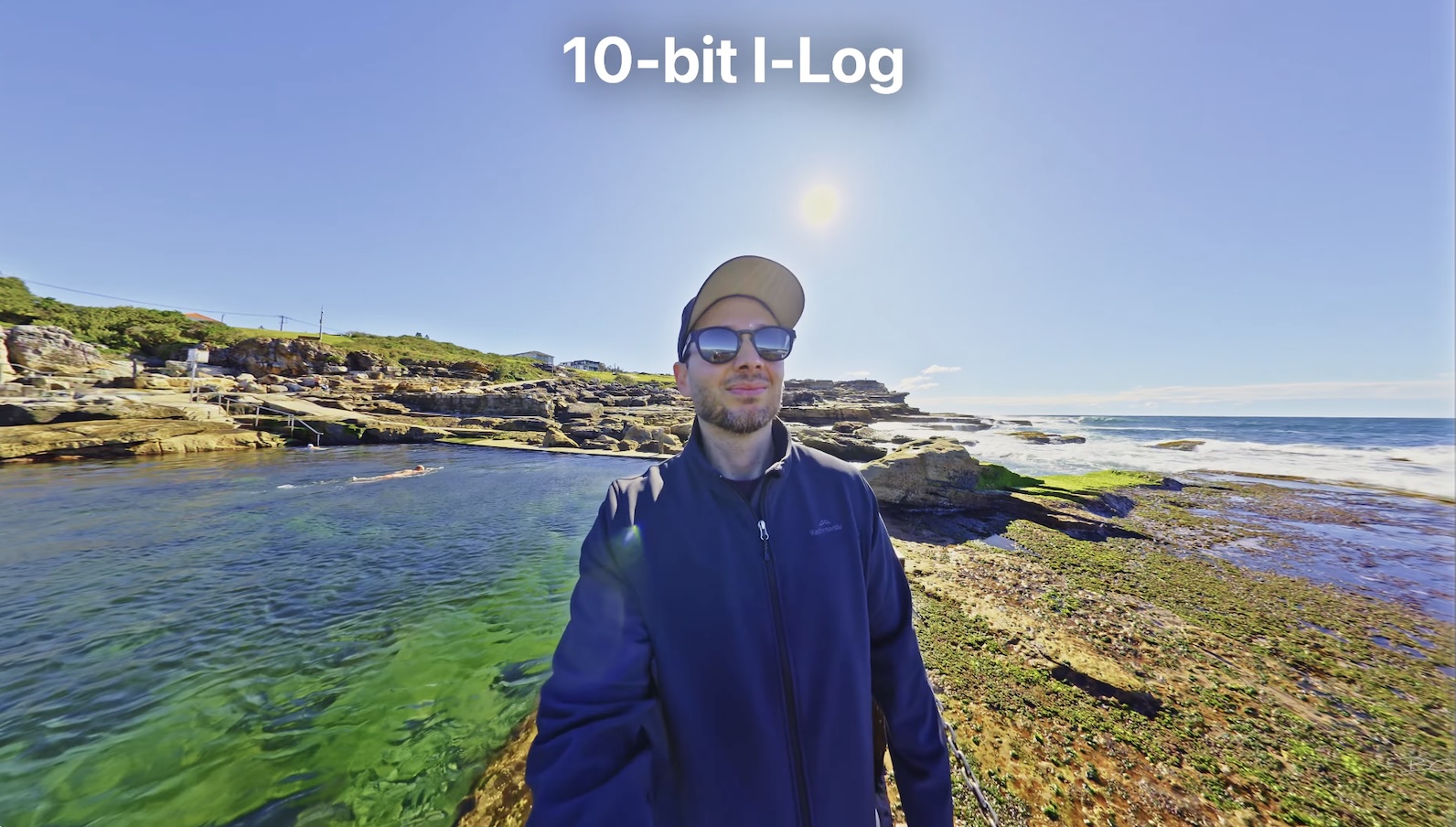
The standard colour profile already looks great straight out of the camera, with plenty of vibrance and contrast without needing to colour grade.
There's also I-Log, which creates a flatter, desaturated image that retains more highlight and shadow detail for grading.
Personally, I rarely shoot in log. While the footage can look great, I found it difficult to grade and don't think most beginners will want to do that with every shot when the standard profile already produces good results.
Low-light performance
Low light is one of the X6's biggest strengths.
Combining the larger sensor with PureVideo mode produced some seriously impressive footage. In one nighttime scene, the camera made the environment look closer to dusk, while footage from an extremely dark museum in Ottawa remained completely usable.

If you regularly shoot at night, this is one of the strongest reasons to consider upgrading.
Adaptive Tone
One feature I don't love is Adaptive Tone.
It was optional on the X5, but Insta360 now applies it by default when reframing X6 footage. It's designed to even out exposure, but I've seen it visibly change the exposure midway through some shots when keyframing a zoom.
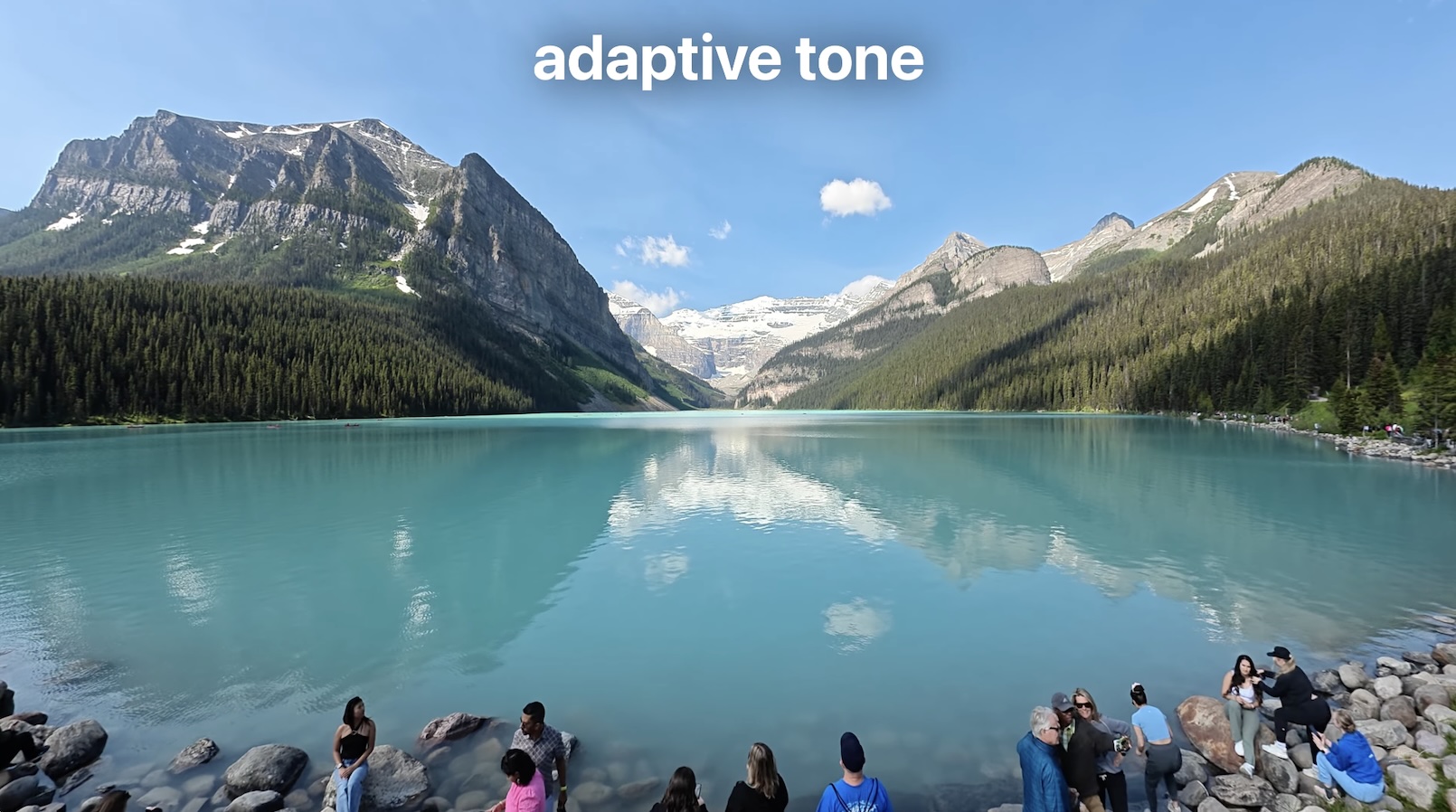
I've raised this with Insta360, and they told me they're working on a fix, although it wasn't expected to be ready by launch.
I'd personally prefer Adaptive Tone to remain optional.
X6 vs X5 vs DJI Osmo 360
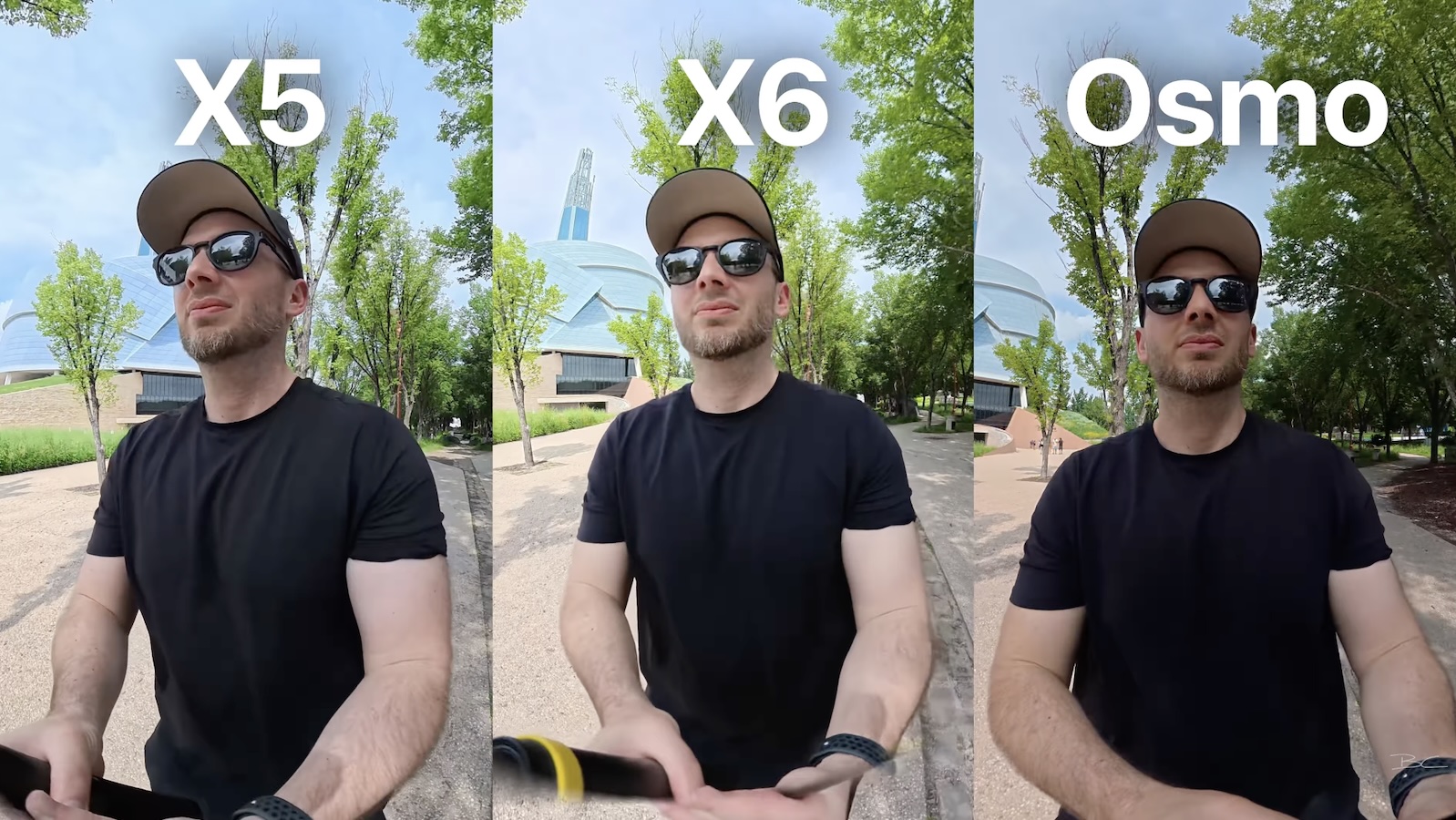
I tested all three cameras side by side in daylight, mixed lighting, low light and more challenging environments.
All three perform well, particularly in bright conditions, but I found the X6 generally produced the most natural colours and strongest detail.
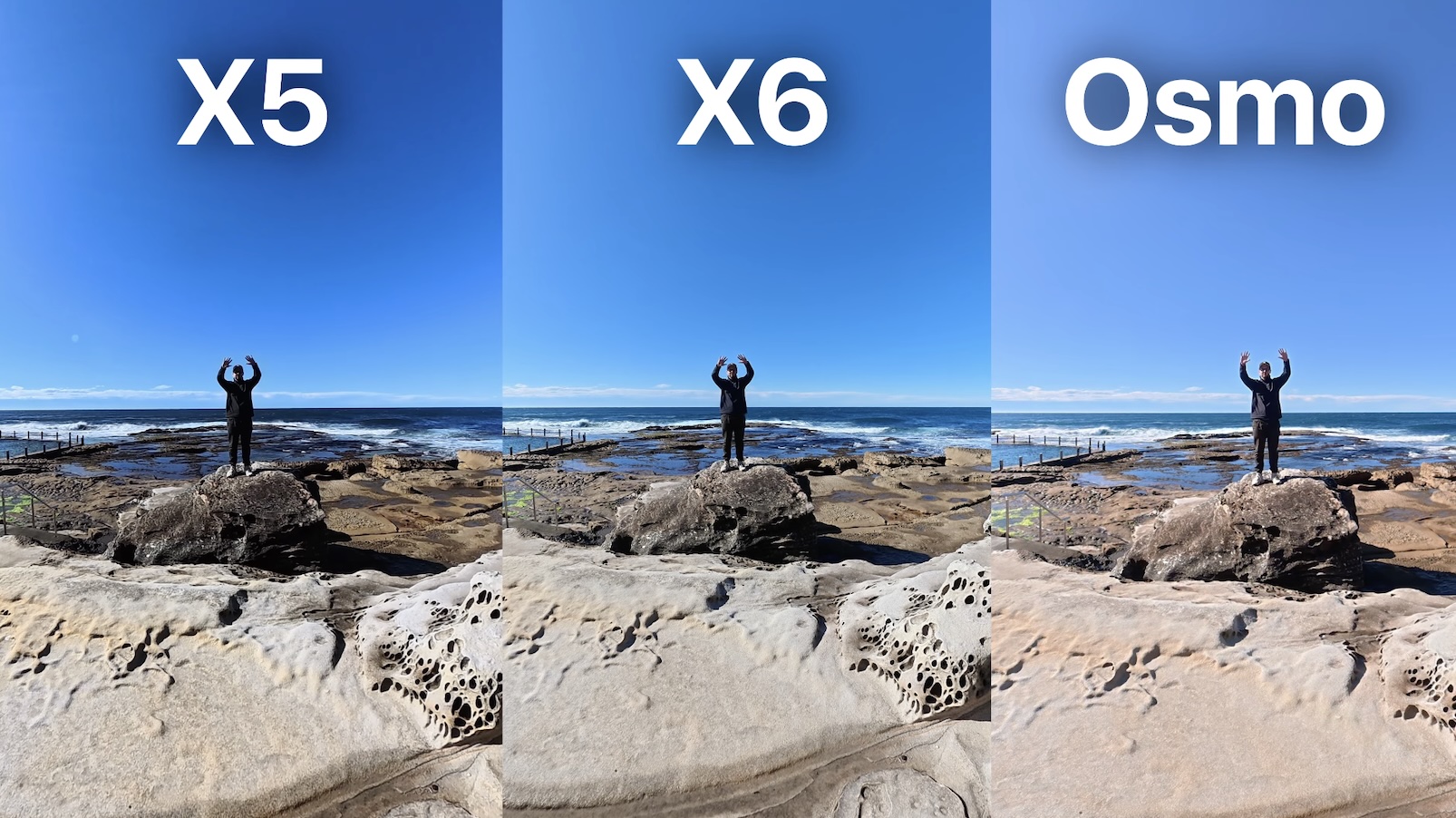
The Osmo sometimes looked slightly washed out, while the X5 could be more aggressive with saturation and contrast. The Osmo did occasionally retain highlights better, though.
When filming myself, the X6 also did the best job of exposing my face, while its 50fps footage handled movement much better than the X5.
Inside an aquarium at Winnipeg Zoo, both the X6 and Osmo performed particularly well thanks to their larger sensors, but I preferred the X6's more natural colours.
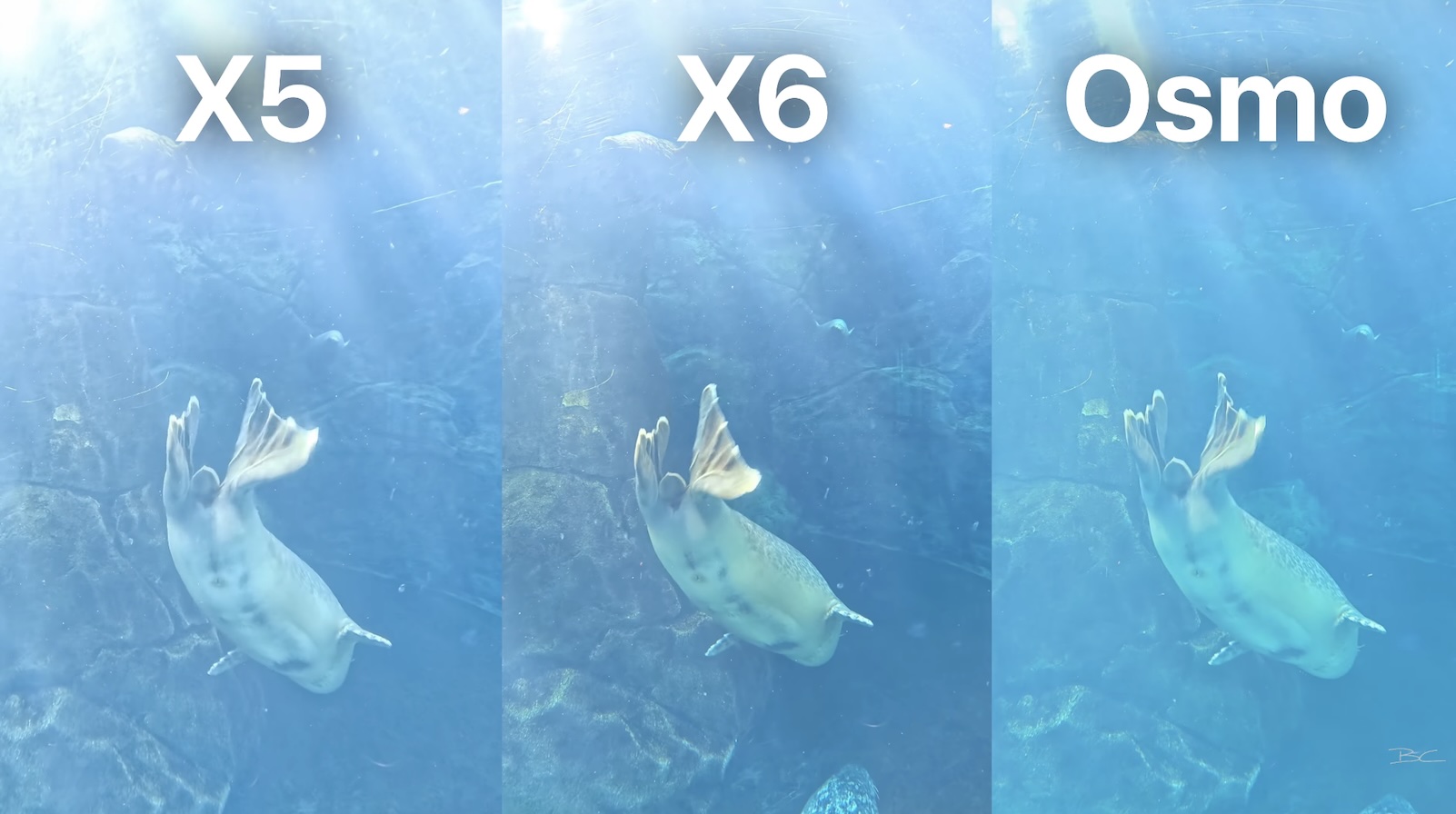
Overall, my pick of the three is the X6, although all three are capable of producing great footage.
Slow motion, audio and underwater use
For slow motion, you can slow 8K50 footage to 50% speed, use 6K60, or drop to 4K100 for a stronger slow-motion effect.
4K is fairly low resolution for 360 footage, though, so you'll get the best results by keeping the viewing angle wide.
I also tested the X6's internal microphone in extremely windy conditions at the top of a waterfall. For such a small built-in mic, it performed surprisingly well.
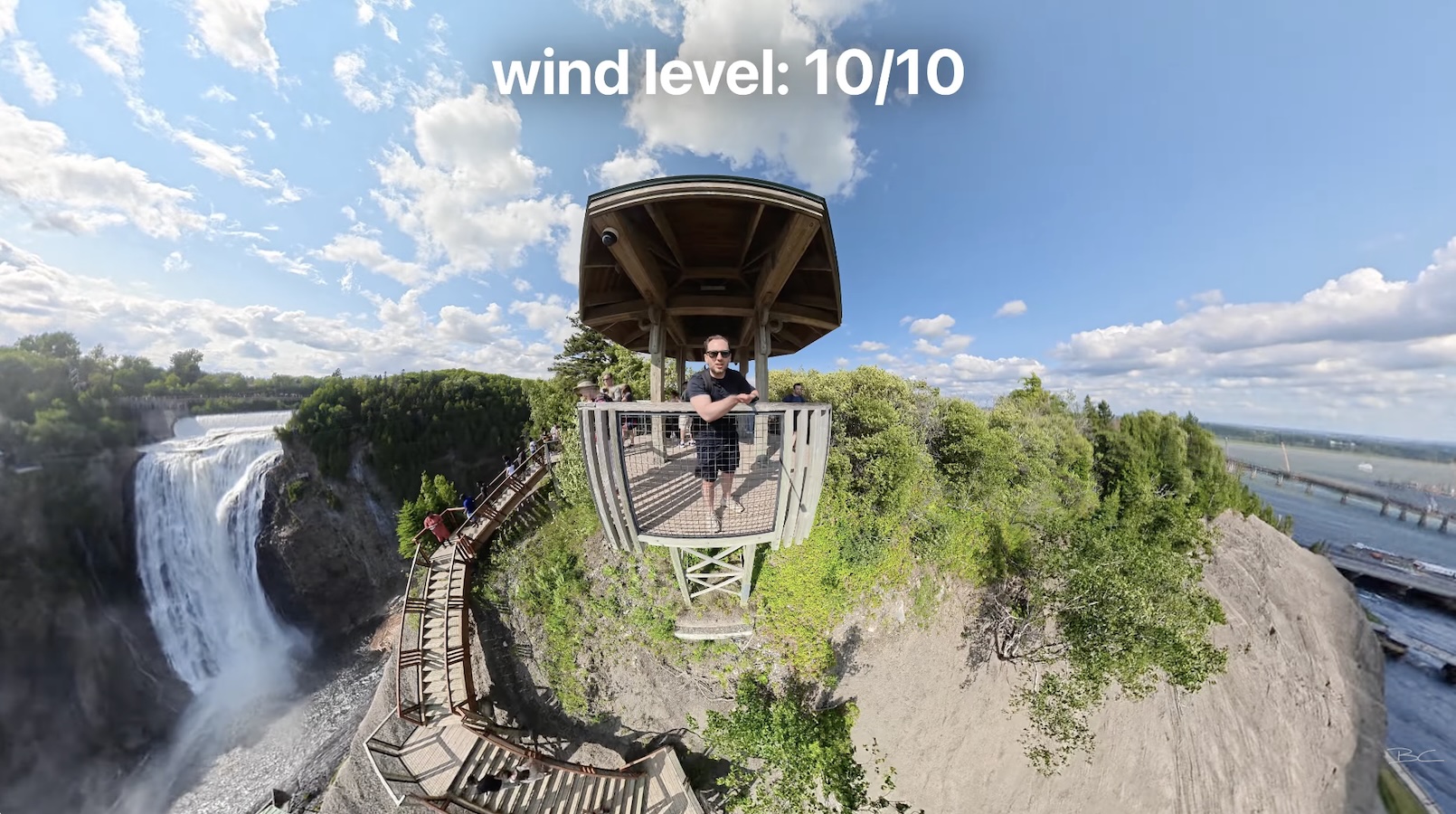
I'd be comfortable relying on it for day-to-day vlogging when you're close to the camera. If you're further away, you'll still want a separate microphone.
The X6 is now waterproof to 20 metres, up from 10 metres. However, you'll still need an underwater housing if you want your 360 footage to stitch properly.
360 photography and virtual tours
The X6 also gets a significant upgrade for 360 photography, with resolution increasing from 72 megapixels on the X5 to 120 megapixels on the X6.
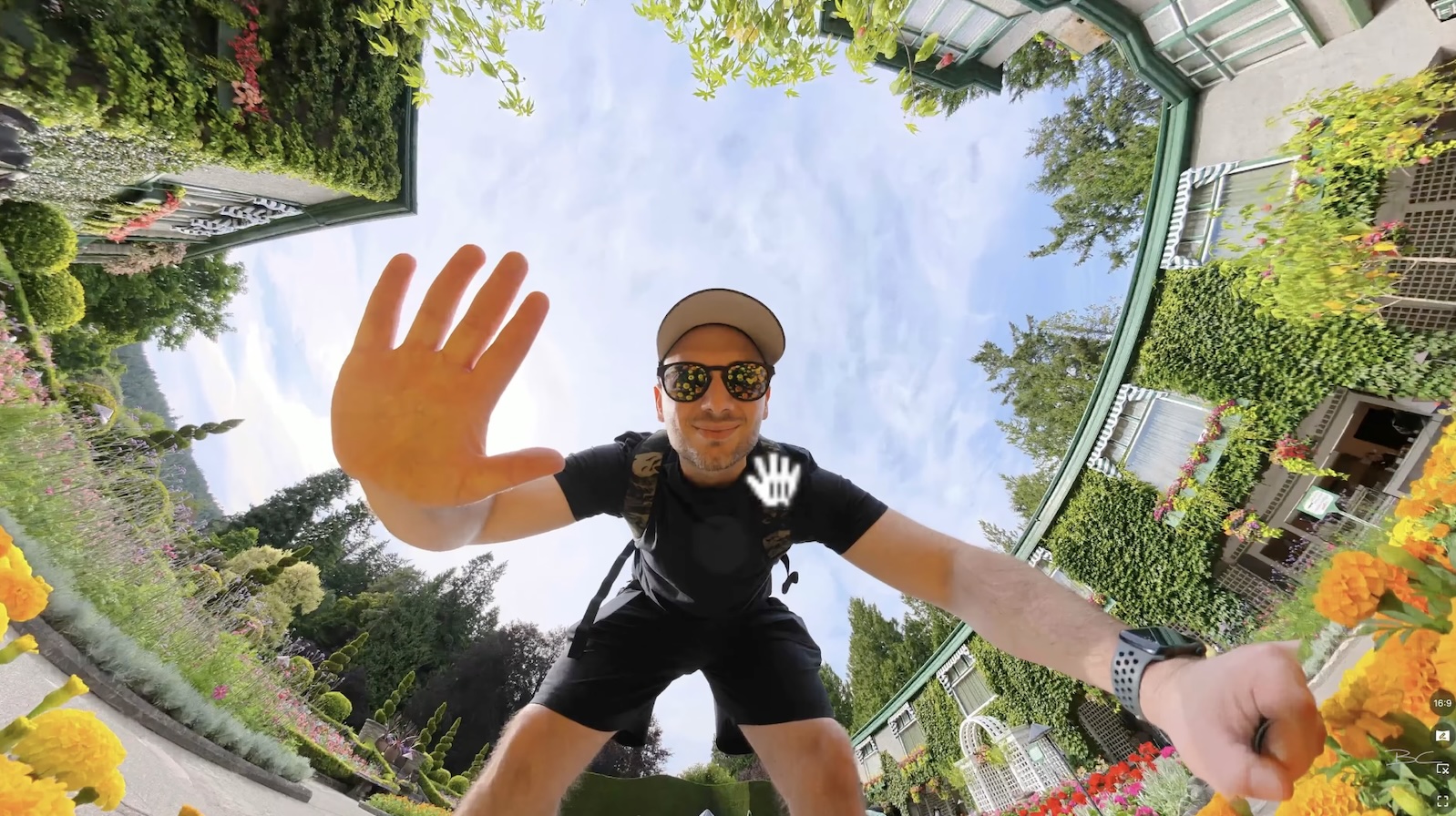
The extra resolution allows you to zoom surprisingly far into your images while still retaining plenty of detail, and I was able to capture some really nice-looking 360 photos while travelling through Canada. This also makes the X6 a strong option for virtual tour photography, where sharpness and fine detail are particularly important.
When I compared the X6 side by side with the X5 and Osmo 360, the X6 produced noticeably sharper images, with crisper details, smoother gradients and less softness and noise.
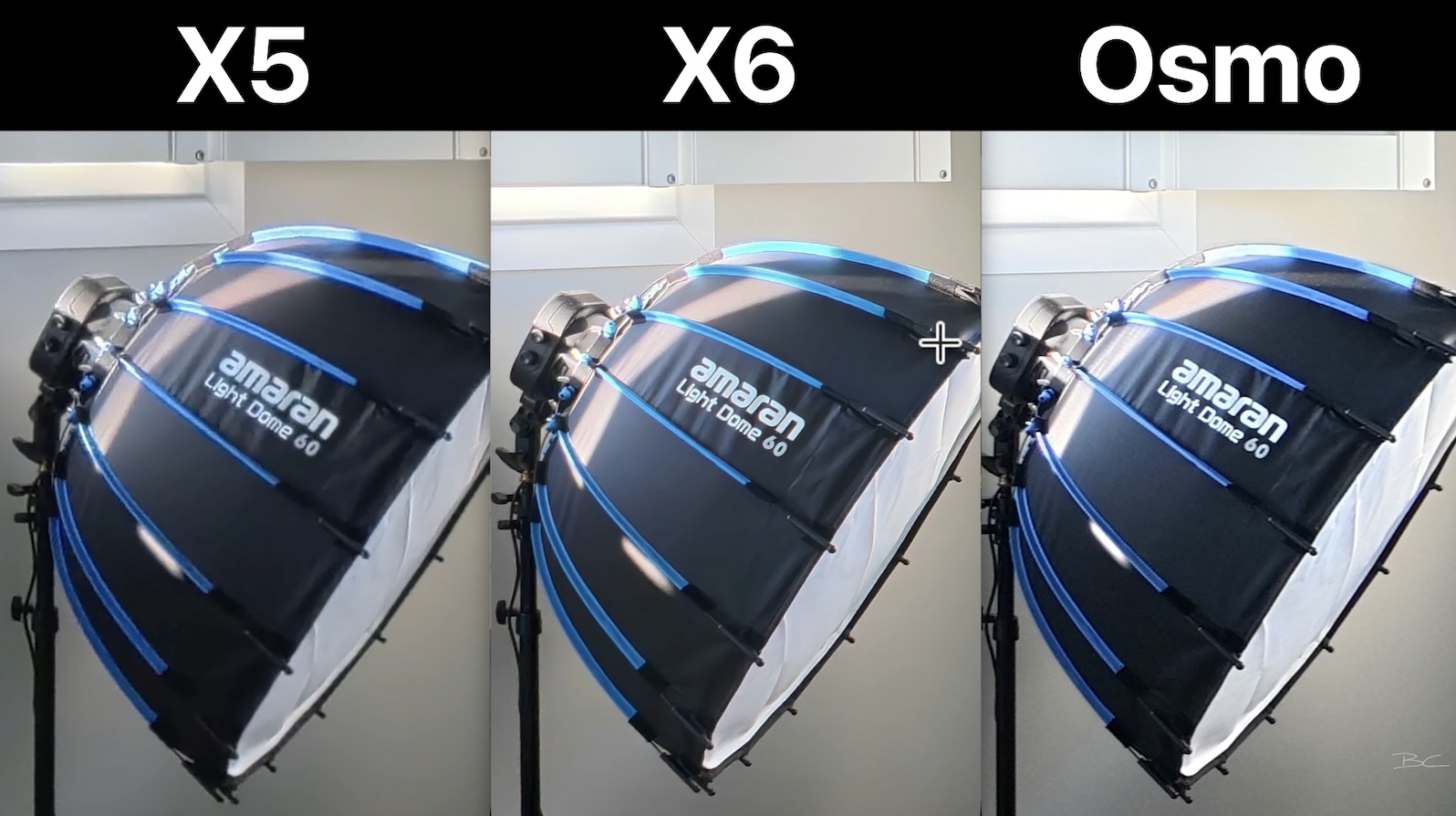
It wasn't perfect, though. Interestingly, the X5 produced better dynamic range in one of my tests, while the X6 struggled to recover some bright highlights and showed some inaccurate colour in those areas.
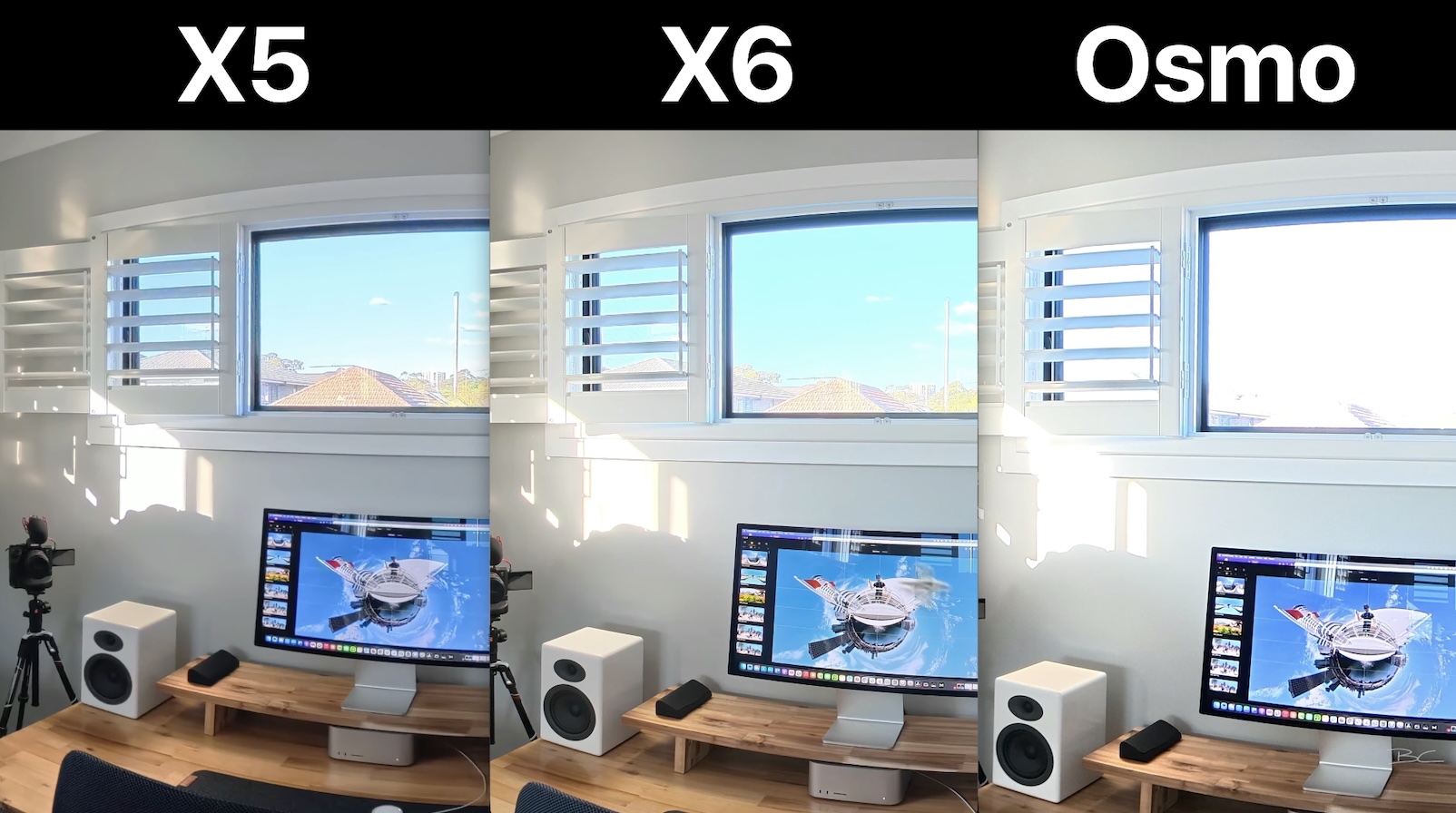
However, I was testing the X6 with very early firmware, and the camera is clearly capable of producing accurate colours in other situations. These issues could therefore improve with future firmware updates.
Overall, the improved resolution and sharpness still make the X6 an upgrade over the X5 for 360 photography and virtual tours, despite those early issues.
Accessories and compatibility
Unfortunately, the redesigned body means many X5 accessories won't fit the X6.
That includes accessories that wrap around or closely fit the camera body, such as lens protectors, dive cases and certain clip-on accessories. The X5 battery won't fit either.
Standard accessories such as selfie sticks using the built-in 1/4-inch tripod thread will still work.
If you've already invested heavily in X5-specific accessories, this is something worth considering before upgrading.
One new accessory I do really like is the power selfie stick, which can connect directly to the X6 and charge it without a separate cable.
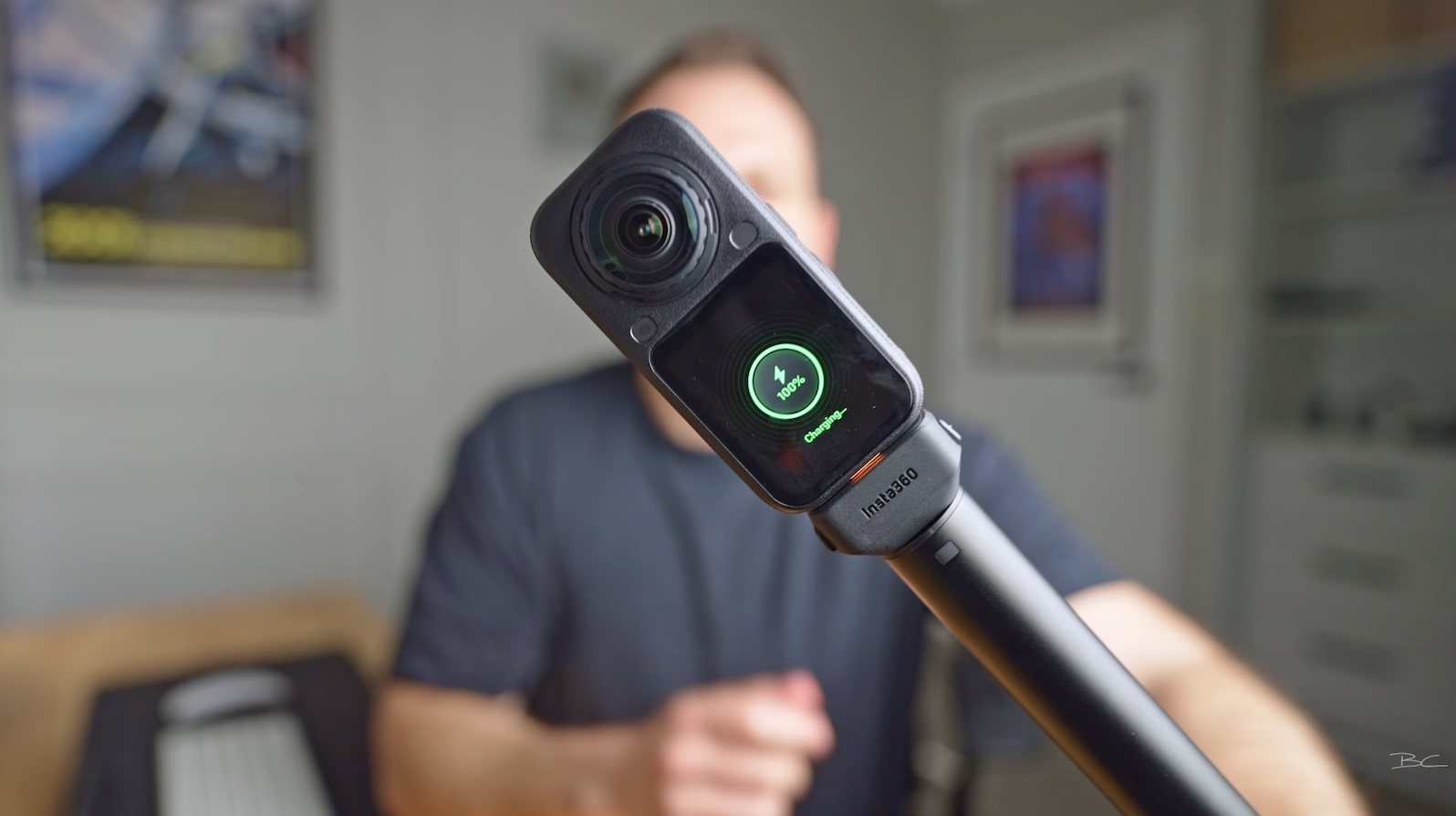
I've also found connections between the X6 and accessories like selfie sticks and wireless microphones noticeably faster than on previous cameras.
Editing and workflow
Workflow remains one of Insta360's biggest strengths.
Its mobile and desktop apps make it relatively quick and easy to reframe 360 footage, although the desktop software is still missing some functionality available in the mobile app.
File transfers have also improved dramatically.
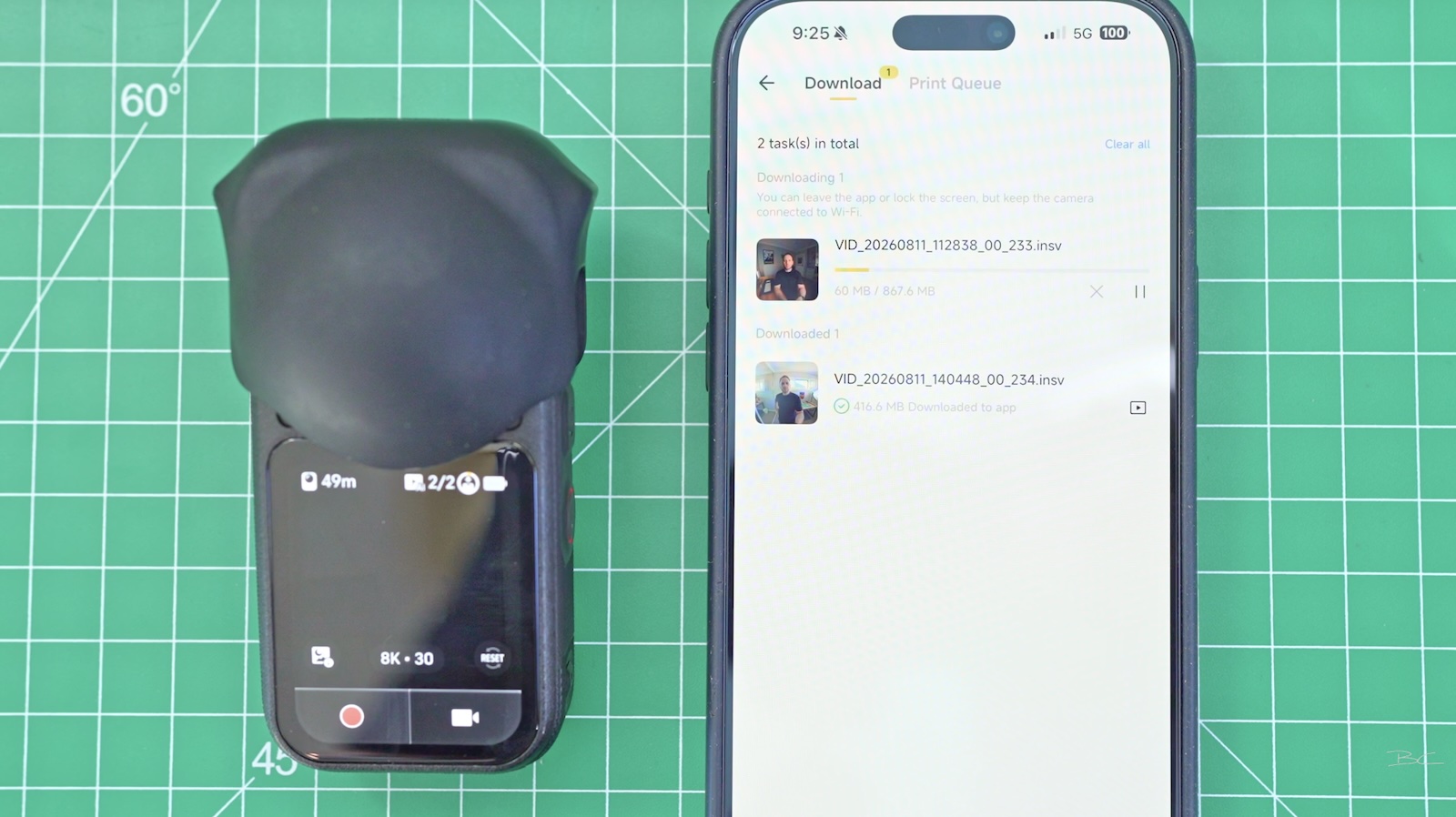
I've been able to transfer X6 footage to my phone in seconds, compared with minutes or longer on the X5.
For travel creators who want to shoot, transfer, edit and post content on the same day, that's a genuinely useful improvement.
Should you buy the Insta360 X6?
This is where I have mixed feelings.
If you're upgrading from an older 360 camera that you've had for several years, the X6 is an obvious upgrade. The improvements in video and photo quality, low-light performance, battery life and workflow are substantial.
For me, the X6 is the best consumer 360 camera on the market right now.
If you already own an X5, however, it's a much closer decision.
The video quality is noticeably better, and I particularly love having 50fps in 8K. But at $699, it's harder to justify if you're a casual creator who doesn't need the latest technology.
If you shoot regularly at night, capture action, or move the camera around a lot, I think there's enough of an image-quality improvement to justify moving from the X5 to X6.
If you're mostly shooting fun Tiny Planet shots for Instagram, the X5 is more than enough.
Final thoughts
The X6 isn't a perfect camera.
Adaptive Tone needs work, I encountered a few issues with the early firmware, accessory compatibility is frustrating, and the $699 price won't be for everyone.
But it feels like Insta360 has gone through many of the problems people have had with previous cameras and fixed them one by one.
I'd go as far as saying that the X6 is the least flawed 360 camera I've used, which is an achievement considering the huge range of situations these cameras are designed for.
If you plan on buying the X6, you can use my link to get a free double lens replacement kit for a limited time.
And if you don't plan on buying it? I totally get it. Wait for the X7. There's always another camera coming.
Regardless of the 360 camera you choose, if you want to learn how to turn your reframed 360 footage into a finished video, you can also check out my DaVinci Resolve Simplified course, where I teach beginner editors how to edit using only the parts of DaVinci Resolve they actually need.
Blog Author