
The quality problem
“My photos don’t look professional enough to charge for.”
Learn camera placement, shooting and editing techniques
that help you deliver a polished, consistent tour.
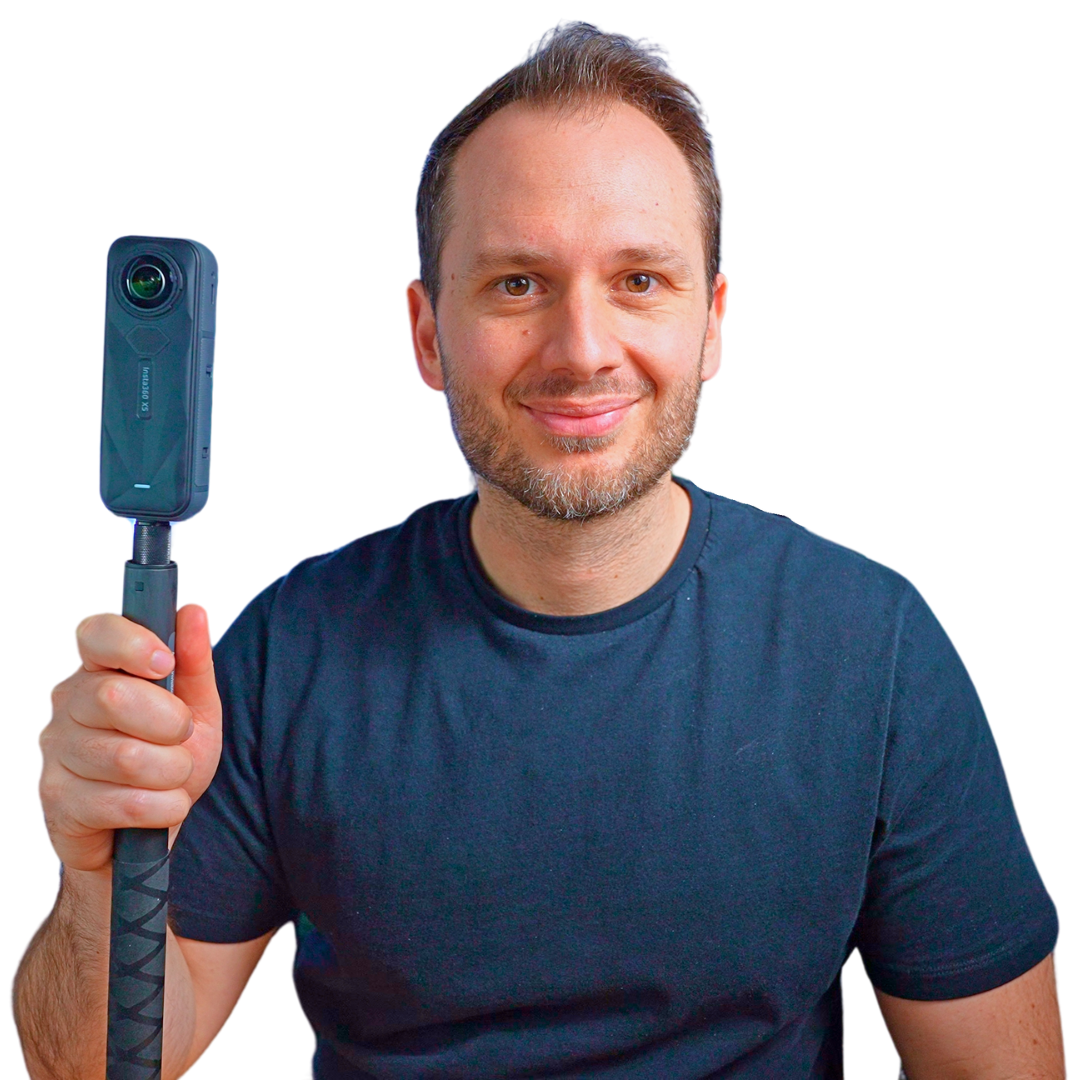
Virtual Tour Pro · With Ben Claremont
Learn how to shoot professional tours, price your services and find paying clients. Get a step-by-step plan for turning your camera skills into a service you can sell—even if you’re starting from scratch.
One-time payment · Lifetime course access
From stuck to getting started
Creating the tour is only part of the job. Virtual Tour Pro helps you work through the technical and business questions that stop you moving forward.
Created in Virtual Tour Pro
Look around and move through the space right here. Then learn how to shoot, edit and assemble a tour like this yourself.
Drag to look around. Use the tour controls to move between viewpoints.
Plan the viewpoints and capture the photos you’ll need.
Balance exposure, improve colour and remove distractions.
Connect the scenes, organise the navigation and share the finished experience.
The full training
The photography skills to deliver the work. The business skills to sell it.
Learn how the complete process works, then return to individual lessons as you build your portfolio, prepare a quote or take on your next project.
Student success stories
See how students have used Virtual Tour Pro to build confidence, improve their work and grow their businesses.
“Having instant access to a complete and organised virtual tour education has been invaluable! We quickly felt confident approaching clients, delivering a professional product, and bill at a high rate. This course has more than paid for itself!”

“I used the lessons from VTP to grow my business from working for free, to recently winning a job shooting 4 locations totaling over $3000! Having something of your own where you keep 100% of what you do is irreplaceable.”

“The course changed the way I look at marketing & catering virtual tours to my client’s needs. But more than that, it gave me the confidence & skillsets I needed to overcome the steep learning curve of 360 & add it as a valuable asset to my business.”
RC Cepeda shares his experience of changing careers and finding clients.
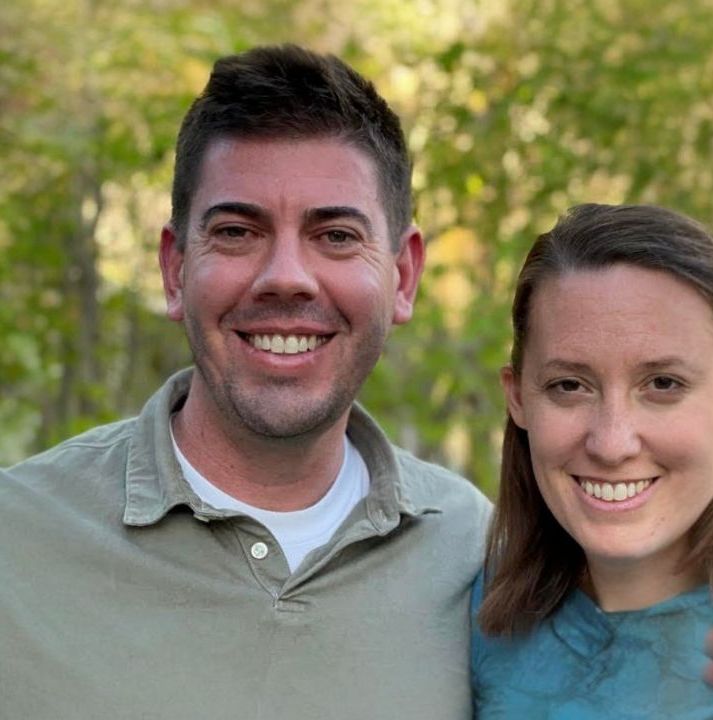
Jacqui and Alexis Twine describe going from beginners to paid projects.
Individual student experiences; earnings depend on your work and market.
Start building your business
Invest $297 once to learn a skill you can offer across multiple clients and projects—not just use for one shoot.
Choose your niche, build your offer, set your prices and pitch clients.
Learn the full process from planning the shoot to handing over the finished tour.
Revisit lessons, ask questions and stay connected with other virtual tour creators.
Practise with sample photos and learn from tour examples, niche guidance and student reviews.

Frequently asked questions
Absolutely! Virtual Tour Pro is designed to be beginner-friendly while also providing advanced techniques for those who are more experienced. This course will guide you step-by-step, from picking your first 360 camera to creating stunning virtual tours that wow your clients. We've got you covered, whether you're a novice or looking to take your skills to the next level.
How does lifetime access sound? This includes all current course materials, as well as any future updates or added content. We believe in supporting your journey in the long term, so you can revisit the course as often as you like and stay updated on the latest techniques and tips.
Absolutely. Not only does Virtual Tour Pro teach you how to create stunning virtual tours, but we also dive deep into the business side of things. You'll learn how to market your services, set your pricing, and find clients who are willing to pay top dollar for your expertise. Many of our students have gone on to generate a full-time income from their virtual tour businesses, and some have even scaled to six figures. So, yes—the skills you'll gain here are not just a hobby; they're a potential career.
I get it; you're busy. That's why I designed Virtual Tour Pro to be as flexible as possible. You can go at your own pace, and most students complete the course in about 4–6 weeks dedicating just a few hours per week. Plus, with lifetime access, the course will always be there when you're ready.
Great question! While there may be cheaper courses available, Virtual Tour Pro is an investment in your future. Our comprehensive curriculum covers everything you need to know to not just create virtual tours, but to also monetize them effectively. With our hands-on support, community forum, and lifetime access to course updates, we offer unparalleled value that you won't find elsewhere. We're not just a course; we're a long-term partner in your success.

Get started today before this once in a lifetime opportunity expires.